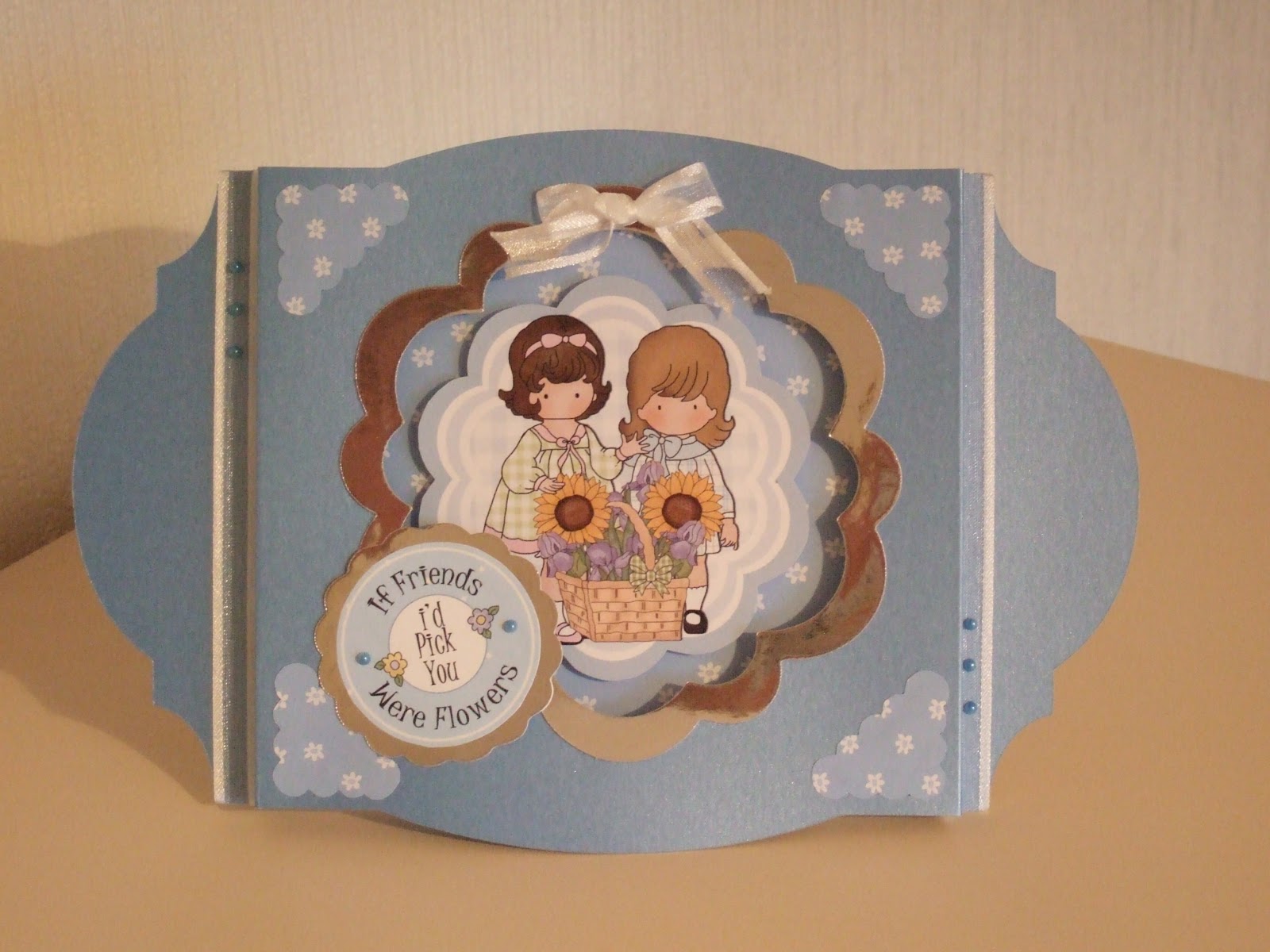
Hi everyone,
I've just made it. It's a five minutes to midnight so I thought I had better blog otherwise I would have missed another day.
I've been busy all day making a couple of cards and doing housework and making pizzas. My printers kept playing up, the cd roms I wanted to use wouldn't work and no - the pizza didn't turn out very well either. So had quite a bad day really. Ah well, I guess far worse things could happen.
Anyway, I got the two cards made. The first was for a male general birthday, the other was for a male 21st birthday. I will put them on my blog tomorrow.
Today I thought I would show a couple of photographs of a bag I made using the Garden Delights 2 CD Rom. I attached the angel to the bag using a piece of acetate to make it dangle and then from the angel's wing, there is another piece of acetate which attaches a bee to the angel so that they can both move about. I added a pink bow to the top and letters to form the word 'Gardening Angel'. The white bag was from a pack purchased from Cupcakecrafting.
On the back of the bag, I just used a flat image which I layered onto blue gingham backing paper from the cd.
Thank you for popping by.
Wendy
Thursday, 25 October 2012
Wednesday, 24 October 2012
Oh Christmas Tree
Hi everyone,
Today's card is one made from the papers from the 'Colourblend' section of the Magical Moments Christmas Cd Rom from Cupcakecrafting. I found the idea on the Cards and a Cuppa blog - http://cardsandacuppa.blogspot.co.uk/2011/12/folded-tree-tuorial.html. Full instructions are on there.
I used the snowflakes backin paper for the background and some other backing paper (printed on both sides) for the Christmas Tree. I cut out a scalloped circle and folded the paper to make the tree. The glitter, gem, blue card and ribbon were from my stash. The sentiment is also from the CD Rom.
Thank you for calling by.
Wendy
Monday, 22 October 2012
Twisted double easel story card
Hi everyone,
Here is today's card. This is a card I made, encouraged by my son. He had seen another story book card that I had made and suggested that I make another. This is a more simple version.
It is from the Magical Christmas Moments CD Rom from Cupcakecrafting. As can be seen, on one easel is an image from the Cd and on the other is a story about the image - made up by yours truly.
The short story is as follows.
Here is today's card. This is a card I made, encouraged by my son. He had seen another story book card that I had made and suggested that I make another. This is a more simple version.
It is from the Magical Christmas Moments CD Rom from Cupcakecrafting. As can be seen, on one easel is an image from the Cd and on the other is a story about the image - made up by yours truly.
The short story is as follows.
A Donkey’s Tale
Donkey
leaned over the rickety wooden fence and told his story to the young puppies.
“I was
grazing in the field near to the house with the other donkeys, when Joseph, my
master, came outside. He started to inspect each donkey in turn. He came over
to me and checked my legs, my hooves and my back. He was mumbling something
about the Roman Emperor wanting everyone to return to their home town to be
counted, so that he could find out how many people lived in his empire.
I was
chosen out of the other donkeys to travel with Joseph and his wife, Mary, who
was expecting a baby.
We
travelled many miles here to Bethlehem. There were many more people travelling
here too. When we arrived, the inns were full. Luckily, a kind innkeeper took
pity on us and let Mary and Joseph stay in the stable next to his inn.
While we
were there, Mary’s special baby was born. They called him Jesus. He has had
many visitors and many gifts.”
I hope you like it.
Please pop over again soon.
Wendy
Friday, 19 October 2012
Cupcakecrafting Challenge
Hi everyone,
Today, I thought I would share with you my entry for the Cupcakecrafting Challenge, which is a card made from the new Christmas Wonderland CD Rom.
When we were sent the designs for this CD Rom and asked to make samples, my brother in law was over for a few days and then we were going away for a long weekend, so I was unable to make as many samples as I normally would. The ones I did make, I didn't have time to take photographs of either. I intended to do it at the hotel before meeting up with Lynda and her husband to hand over the samples. Unfortunately, due to all the floods on the way up, we arrived with less than one hour to spare and I had to get ready for our night out in that time, so the photographs didn't get taken.
This was an idea that I had when I saw the designs on the CD Rom but just didn't have time to make it up.
I used one of the toppers, I think it was from the stackers and imported it into Craft Artist. I copied it three times and printed a contrasting backing paper design on the other side. I carefully cut out the windows and stuck a small piece of acetate to the three windows that I cut out, I left the remaining side intact, When cutting out the toppers, I drew on a tab to the side and bottom to each topper so that I could stick them together and make them into a box. I stuck the four sides together and cut out a square piece of card to put in the bottom. Using another piece of card which had been printed with a complementary backing paper, I cut out a shape from the Lacy Labels cartridge using my Cricut machine. I made a box top using the same backing paper and again printed the same contrasting backing paper on the reverse so that it matched the inside of the box.
To decorate, I used a quickie glue pen and glitter to decorate the tree and also used white flower soft from Katy Sue Designs to decorate the little girl's coat and top of the lamp post. Inside I placed a battery operated candle from Hobbycraft and 'voila' - there it is.
Hope you like it. If you too would like to enter the competition, go over to the Cupcakecrafting website and sign up for the newsletter. The closing date for this challenge is 31st October 2012.
By the way Lynda is on Create and Craft today at 11am with Nigel May and 6pm with Andy Love.
Happy crafting
Wendy
Today, I thought I would share with you my entry for the Cupcakecrafting Challenge, which is a card made from the new Christmas Wonderland CD Rom.
When we were sent the designs for this CD Rom and asked to make samples, my brother in law was over for a few days and then we were going away for a long weekend, so I was unable to make as many samples as I normally would. The ones I did make, I didn't have time to take photographs of either. I intended to do it at the hotel before meeting up with Lynda and her husband to hand over the samples. Unfortunately, due to all the floods on the way up, we arrived with less than one hour to spare and I had to get ready for our night out in that time, so the photographs didn't get taken.
This was an idea that I had when I saw the designs on the CD Rom but just didn't have time to make it up.
I used one of the toppers, I think it was from the stackers and imported it into Craft Artist. I copied it three times and printed a contrasting backing paper design on the other side. I carefully cut out the windows and stuck a small piece of acetate to the three windows that I cut out, I left the remaining side intact, When cutting out the toppers, I drew on a tab to the side and bottom to each topper so that I could stick them together and make them into a box. I stuck the four sides together and cut out a square piece of card to put in the bottom. Using another piece of card which had been printed with a complementary backing paper, I cut out a shape from the Lacy Labels cartridge using my Cricut machine. I made a box top using the same backing paper and again printed the same contrasting backing paper on the reverse so that it matched the inside of the box.
To decorate, I used a quickie glue pen and glitter to decorate the tree and also used white flower soft from Katy Sue Designs to decorate the little girl's coat and top of the lamp post. Inside I placed a battery operated candle from Hobbycraft and 'voila' - there it is.
Hope you like it. If you too would like to enter the competition, go over to the Cupcakecrafting website and sign up for the newsletter. The closing date for this challenge is 31st October 2012.
By the way Lynda is on Create and Craft today at 11am with Nigel May and 6pm with Andy Love.
Happy crafting
Wendy
Thursday, 18 October 2012
Garden Delights
Hi everyone,
Thank you to all my new followers and the lovely comments you have left. It means alot that you like my cards.
Today, I thought I would share with you some of the cards I made using the Garden Delights CD rom by Cupcakecrafting. I love the colours and the characters on this Cd and hope you do too.
Thank you to all my new followers and the lovely comments you have left. It means alot that you like my cards.
Today, I thought I would share with you some of the cards I made using the Garden Delights CD rom by Cupcakecrafting. I love the colours and the characters on this Cd and hope you do too.
This is a 'peek-a-boo' card. I used an A4 piece of white cardstock, scored it and made it into a gatefold card. I matted and layered with backing papers from the Cd and also silver mirri. The shapes were cut out using the Lacy Labels cartridge and my Cricut machine. From the second picture, the front looks a bit plain, but there were embellishments on the right hand side of the card as you look at it, they are just out of view of the camera. (I'm no David Bailey!)
The next card is a theatre card. Again, I used the Lacy Labels cartridge (I do have others, honestly!!) and my Cricut machine. For this I used Centura pearl cardstock from Crafters Companion in a mid blue colour. Again, I matted and layered using backing paper from the CD and silver mirri from my stash. I used the corner embellishments from the CD and added a ribbon.
For this card, I used an 8x8 card, matted and layered using backing papers from the Cd and silver mirri (I like silver mirri, in case you hadn't guessed!). I added one of the sentiments and a flower from the Cd and a ladybird from my stash. I think I bought the ladybirds from 'Boyes' which is known as 'Harrods of the North' round here apparently! I made a bow from ribbon and twirled the long lengths and embellished it with a gem. (The flowers were to cover a happy accident and the ladybird to balance it out, I hope it works.)
Thank you for calling by. See you again soon, I hope.
Happy crafting
Wendy
Tuesday, 16 October 2012
Jo Austin
Hi everyone,
Thank you to the lovely Jo Austin, designer for Docrafts, who has helped me add a name to my photographs.
I asked her the other day how she did it. After two and a half days, I have managed to fathom it out, granted not using Photoshop as Jo does or Gimp as used by her daughter but by using Paint and Publisher.
I didn't have Photoshop and was a bit wary about downloading a freebie from the internet as we have enough trouble with our computer without adding problems. The software that came with the camera was Fine Pix so I tried using that, it would let me do it but encountered a problem, couldn't find a solution and closed down before I could save it- every time!!!
I then found a programme on our cd shelf from Serif - Photoplus, so installed that. The same thing happened again. We didn't know why this kept happening, but my husband thought it might be because it hadn't installed properly. So I decided to uninstall it. Then tried to reinstall it, but it wouldn't and kept coming up with another error message - something to do with basic filters. So I decided to ditch that.
I went on Serif website to see if they had any free downloads for Photoplus and found one. Tried to download but ended up with different search engines and toolbars and a slow computer - maybe coincidence re slow computer but it happened. Still no luck. By the time my husband came home from work and asked how my day had been, I burst into tears. Not only because of this - one of my neighbours had passed away and I was upset.
He sorted the search engine and toolbars out and I managed to download the programme. By this time I had had enough and went to bed.
This morning, I tried to add my text to the photo, I eventually managed it but it saved it as a spp file???and wouldn't upload to my blog. By this time, Jo had suggested Gimp as used by her daughter but when I tried to download it, it was going to take a hour. I therefore tried to do it using Word and Paint - no luck. Then I had a brainwave and tried Publisher and Paint to save it as a jpeg file. Eureka, I did it!!
Here's the proof.
Thanks Jo, I owe you.
Jo's blog is craftychitchat.blogspot.com if you'd like to take a look at her cards.
Happy crafting everyone,
Wendy
Thank you to the lovely Jo Austin, designer for Docrafts, who has helped me add a name to my photographs.
I asked her the other day how she did it. After two and a half days, I have managed to fathom it out, granted not using Photoshop as Jo does or Gimp as used by her daughter but by using Paint and Publisher.
I didn't have Photoshop and was a bit wary about downloading a freebie from the internet as we have enough trouble with our computer without adding problems. The software that came with the camera was Fine Pix so I tried using that, it would let me do it but encountered a problem, couldn't find a solution and closed down before I could save it- every time!!!
I then found a programme on our cd shelf from Serif - Photoplus, so installed that. The same thing happened again. We didn't know why this kept happening, but my husband thought it might be because it hadn't installed properly. So I decided to uninstall it. Then tried to reinstall it, but it wouldn't and kept coming up with another error message - something to do with basic filters. So I decided to ditch that.
I went on Serif website to see if they had any free downloads for Photoplus and found one. Tried to download but ended up with different search engines and toolbars and a slow computer - maybe coincidence re slow computer but it happened. Still no luck. By the time my husband came home from work and asked how my day had been, I burst into tears. Not only because of this - one of my neighbours had passed away and I was upset.
He sorted the search engine and toolbars out and I managed to download the programme. By this time I had had enough and went to bed.
This morning, I tried to add my text to the photo, I eventually managed it but it saved it as a spp file???and wouldn't upload to my blog. By this time, Jo had suggested Gimp as used by her daughter but when I tried to download it, it was going to take a hour. I therefore tried to do it using Word and Paint - no luck. Then I had a brainwave and tried Publisher and Paint to save it as a jpeg file. Eureka, I did it!!
Here's the proof.
Thanks Jo, I owe you.
Jo's blog is craftychitchat.blogspot.com if you'd like to take a look at her cards.
Happy crafting everyone,
Wendy
Monday, 15 October 2012
Kanban Christmas Cards
Hi everyone,
Today, I thought I would share with you some Christmas cards that I made from the Kanban papercrafting kit that I had left over from last year.


I used the inspiration sheet for these as I wanted them to be quick and easy, ready for a Craft Fair that I was attending.
I used the cards provided in the pack and when I had run out of these, I made my own using a template from the internet which was a similar style to the ones in the pack. I think they look very clean and crisp looking. I love the colourways. I like Kanban products.
I added embellishments such as ribbons, gems or peel offs to finish the cards off and on a couple of them, I punched snowflakes, using a snowflake punch, out of the waste part of the card so that it would match the main part of the card.
I had some positive feedback from the craft fair, too. Hope you like them.
Wendy
Today, I thought I would share with you some Christmas cards that I made from the Kanban papercrafting kit that I had left over from last year.
I added embellishments such as ribbons, gems or peel offs to finish the cards off and on a couple of them, I punched snowflakes, using a snowflake punch, out of the waste part of the card so that it would match the main part of the card.
I had some positive feedback from the craft fair, too. Hope you like them.
Wendy
Subscribe to:
Posts (Atom)